Migrating Node.js apps
This guide explains how to migrate your Node.js app from one WP Engine account to another using the Headless Platform.
1. Access the WP Engine User Portal
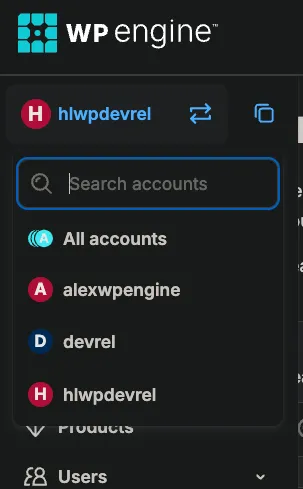
Section titled “1. Access the WP Engine User Portal”Use the account switcher at the top of the left sidebar to make sure you’re logged into the correct account.
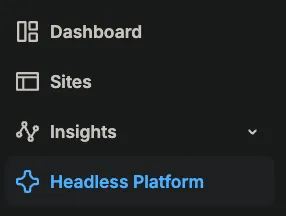
Click the Headless Platform link in the left sidebar.
2. Locate your Node.js app
Section titled “2. Locate your Node.js app”- On the Headless Platform dashboard, you’ll see a list of your Node.js apps along with their connected WP backends.
- Identify the Node app you want to delete.
3. Delete the Node.js app from the current account
Section titled “3. Delete the Node.js app from the current account”-
Click on the name of the Node app you wish to remove.
-
Next to the “Add Environment” text, click the ellipsis (
...). -
Select
Delete App.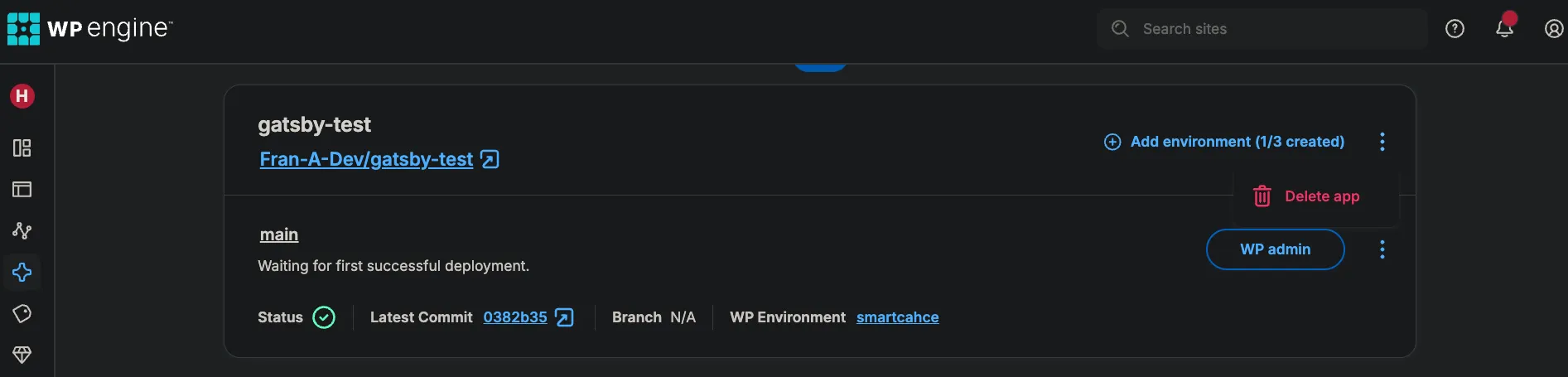
-
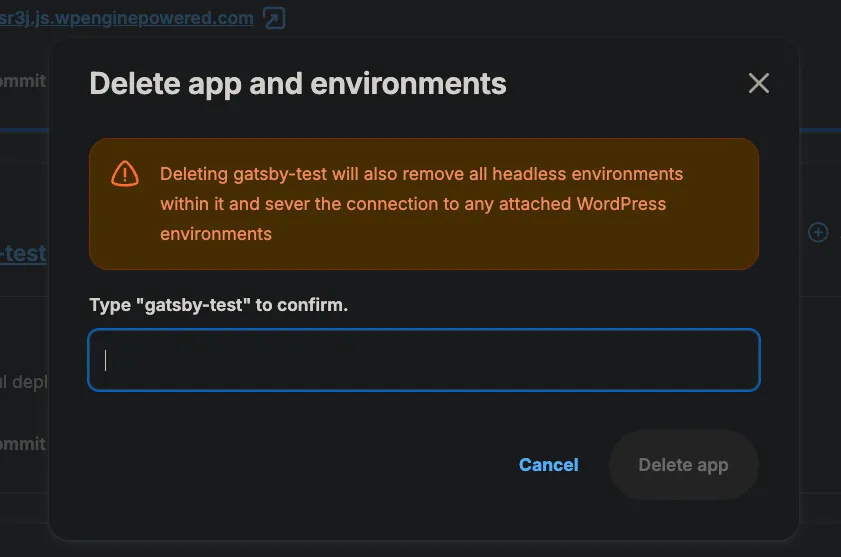
A popup window with a text box will appear asking you to type the name of the Node.js app to confirm deletion.
- Enter the app name to confirm. This action will delete the Node app and disconnect it from the current environment/account.
4. Migrate the Node.js app to the new account
Section titled “4. Migrate the Node.js app to the new account”- Now, use the account switcher again at the top of the left sidebar to make sure you’re logged into the correct account.
- Navigate to the
Headless Platformsection. - Click
Create App. - Follow the prompts to connect the new Node.js app to the appropriate remote repository.
Conclusion
Section titled “Conclusion”By following these steps, you can seamlessly migrate your Node.js app between WP Engine accounts.